
Give a consultant their own rate
Set a rate for one person from a start date, and keep the history.
For workspace owners · Checked 13 November 2026
Steps
Open People
Inside the project, choose People in the side menu.
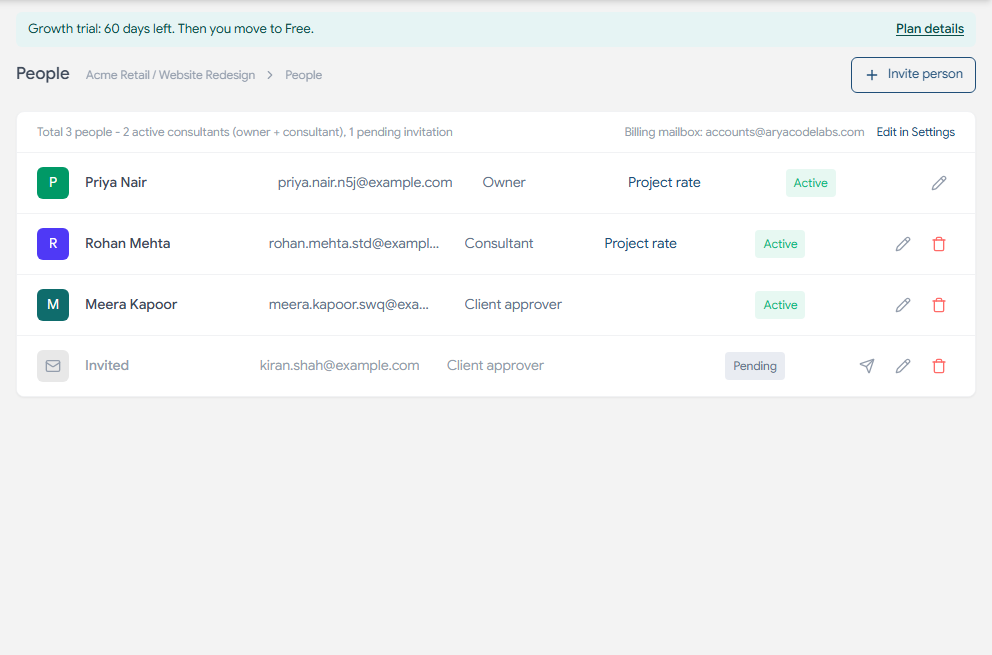
Open the rate
On the consultant's row, choose the rate shown next to their name.
Set the rate
Enter the Rate per hour and the date it Starts on, then choose Save rate. The dialog also lists the rate History.
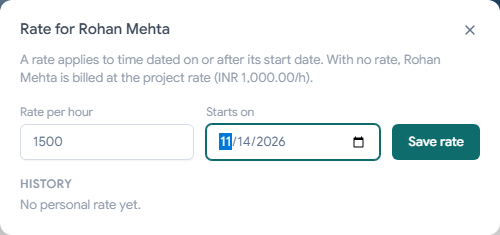
Check the totals
Period totals, caps and exports use that rate for the consultant's time from the start date. The period page shows Billable time by consultant.
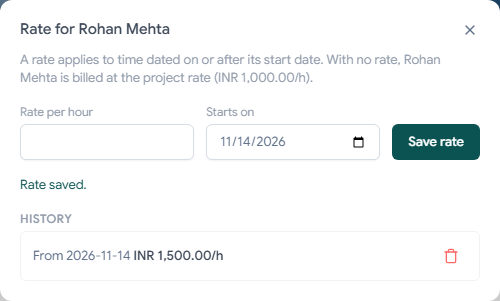
Good to know
- A new rate applies from its start date. Earlier time keeps the old rate.
- A rate change that would alter a month already submitted or approved is refused.
- Only the project owner sees rates. Consultants and clients do not.