
Choose where replies to your emails go
Set one Reply-To address for all emails your workspace sends.
For workspace owners · Checked 13 November 2026
Steps
Open Email Account
Choose Settings, then Email Account, and find the Replies card.
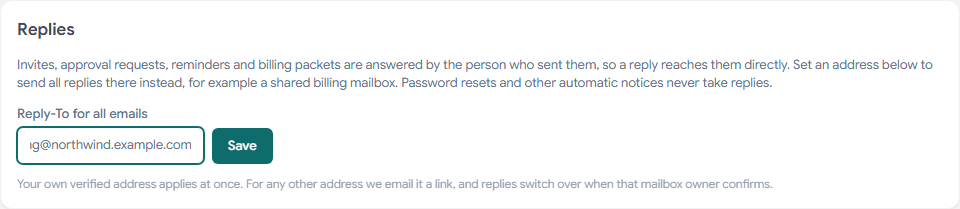
Enter the address
Type the address people should reply to and save.
Confirm it
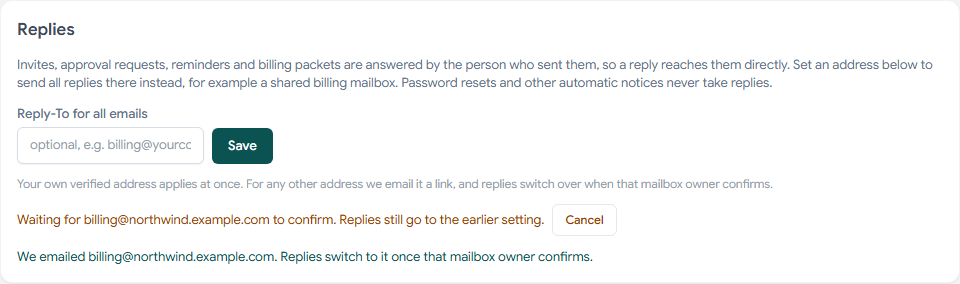
Your own verified address applies at once. Any other address gets an email with a link, and replies switch to it once the link is opened.
Good to know
- The confirmation link works for 48 hours. Until then the setting shows as pending, and you can cancel it.
- With no workspace address, replies go to the person who sent the email.