
Approve or dispute a month (client approvers)
Review submitted time and approve it, or send it back with a reason.
For client approvers · Checked 13 November 2026
Steps
Open the email link
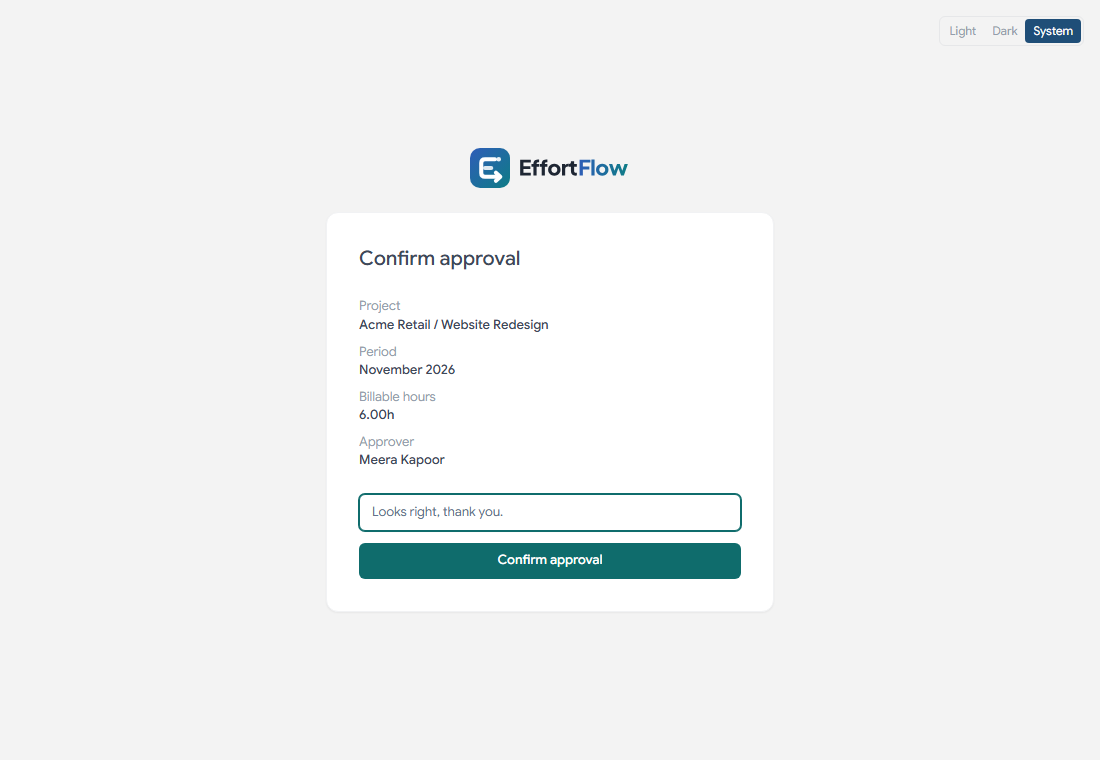
The email from EffortFlow opens a page showing the project, the period and the billable hours. You do not need to sign in.
Approve from the email
Add an optional comment and choose Confirm approval. Billing is notified.
Or dispute in the app
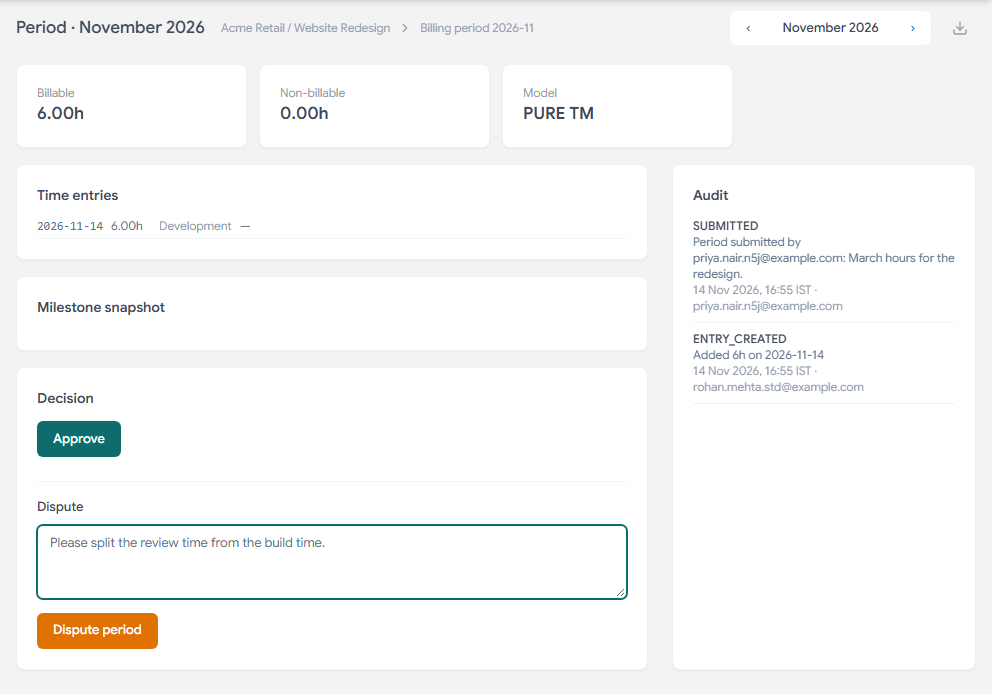
To send the month back, sign in, open the project and its period, write what needs to change in the comment box (it is required) and choose Dispute period. The consultant can then correct it.
Good to know
- Approving hands the month to billing. Only a client approver can approve or dispute; a client viewer can only look.
- You only see the projects you were invited to.