
Log your time
Add the hours you worked each day on a project.
For consultants and workspace owners · Checked 13 November 2026
Steps
Open Timesheet
Choose the project from the project list at the top, then Timesheet in the side menu.
Add an entry
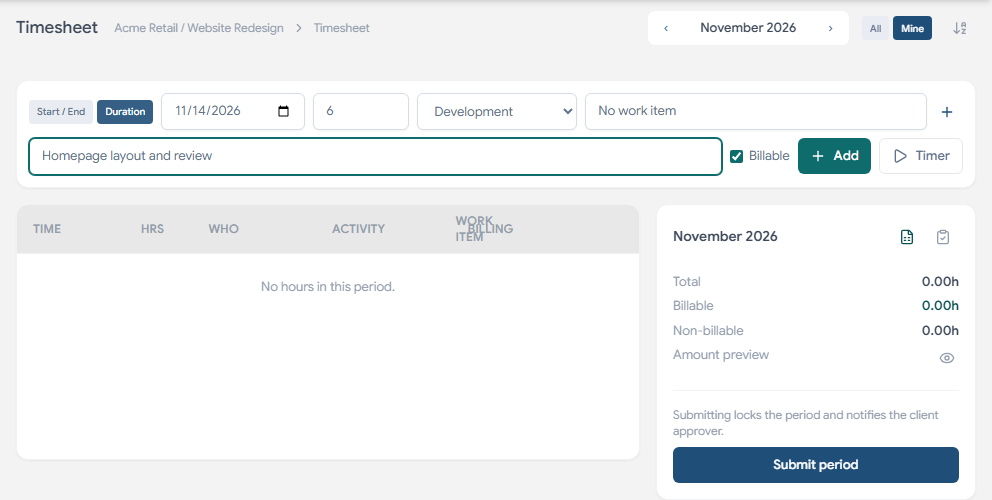
Enter the start and end time, or just the hours. Choose the activity, optionally a work item, and add a note. Tick Billable if the time is charged.
Save the entry
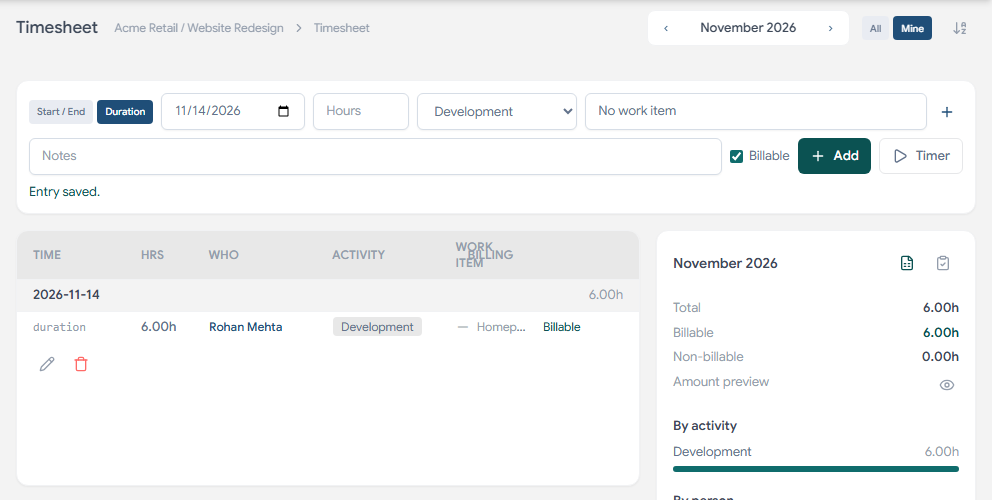
The entry appears in the list for the month, and the totals on the right update.
Good to know
- You can edit or delete entries until the period is submitted.
- Billable is pre-ticked from the activity you choose. Untick it for time that is not charged.